Guide
Wedding Guest List Template (2026)
Your guest list quietly controls your whole wedding: it drives the catering bill, the venue size, the number of invitations and the seating chart. A good wedding guest list template does more than hold names — it keeps a live headcount and feeds straight into your budget. Here is what to track in 2026.
What every wedding guest list should track
- Name & party/household — group guests so you can count invitations, not just people.
- RSVP status (invited / yes / no / pending) with a live total for each — this is the number you will check most.
- Plus-ones — track them as their own line so your headcount stays honest.
- Meal choice — caterers need final numbers by type; collect it with the RSVP.
- Address — for save-the-dates, invitations and thank-you cards (you will reuse it three times).
- Side / relationship — handy later for the seating chart.
- Gift received — so thank-you notes are easy and nobody is missed.
The number that matters: live attending count
The single most useful cell is your confirmed attending total, updating as RSVPs come in. Because catering is charged per head, that number is also money: every confirmed guest is roughly $100+ of catering in 2026. Keeping the headcount and the budget connected stops the classic surprise where the final guest count blows past the plan.
Spreadsheet vs paper
A spreadsheet wins here decisively: it totals RSVPs and meal choices automatically, sorts by side for seating, and can be shared with your partner. A paper list means re-counting by hand every time someone replies.
See how a live headcount drives the budget with our free wedding budget calculator (change the guest count and watch the total move).
Try the free wedding budget calculator →
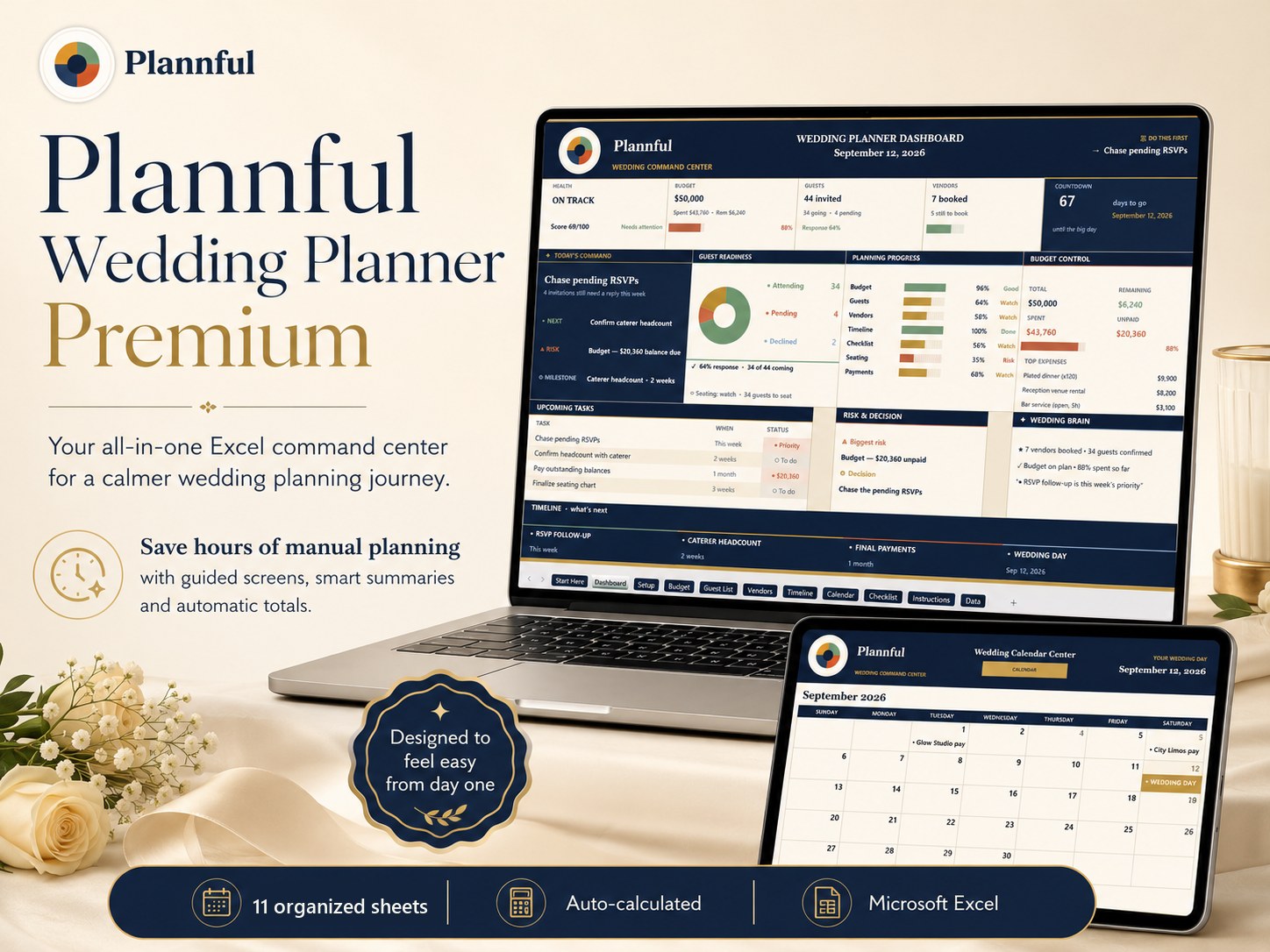
The Plannful Wedding Planner includes a full guest list with live RSVP and meal totals, linked to the budget, with a table number column for each group — in Microsoft Excel.
Ready to organize the whole wedding? See the Wedding Planner for Microsoft Excel — one Microsoft Excel workbook for budget, guest list, vendors, timeline, calendar and checklist.
Frequently asked questions
What should a wedding guest list include?
How do I keep track of wedding RSVPs?
Should my guest list be linked to my budget?
Planning your whole wedding?
Keep every part of your wedding — budget, guest list, vendors and timeline — organized in one Microsoft Excel workbook.
Plannful Wedding Planner for Microsoft Excel
- Budget Tracker
- Guest List
- Vendor Tracker
- Wedding Timeline
- Planning Calendar
- Checklist
Related guides & free tools
- How to Make a Wedding Seating Chart (2026)How to make a wedding seating chart in 2026 — when to start, how many per table, a simple
- Wedding Planning Checklist & Timeline (2026)A month-by-month wedding planning checklist and timeline for 2026 — what to do 12 months o
- Average Wedding Cost by US State in 2026: A State-by-State BreakdownThe average US wedding cost $33,000 in 2026, but ranges from $15,000 in Utah to $55,000 in
- Who Pays for the Wedding? Traditional vs Modern Splits in 2026Traditional etiquette vs the 2026 reality: couples now pay ~50% of wedding costs, the brid
- How to Break Down a $50,000 Wedding Budget in 2026A $50,000 wedding budget in 2026 covers 120-150 guests: $15,000 venue, $10,000 catering, $
- How to Plan a Wedding on a $15,000 Budget in 2026Plan a beautiful $15,000 wedding in 2026: a full category breakdown for 50–75 guests
- Free Wedding Budget CalculatorFree tool · no signup
- Wedding Cost Estimator by Guest CountFree tool · no signup
Free cheat sheet
Get the 1-page wedding budget cheat sheet
Join the Plannful list for a simple breakdown of how to split your wedding budget by guest count — plus the occasional template discount. No spam, unsubscribe anytime.