Guide
Excel vs Google Sheets for Wedding Planning (2026)
Both Excel and Google Sheets are excellent for planning a wedding — and you do not have to choose blindly. Here is an honest comparison so you can pick what fits how you and your partner actually work.
Quick verdict
- Choose Google Sheets if you and your partner (or your mum, or your maid of honour) want to edit the same budget and guest list from any phone or laptop, for free, with changes syncing live.
- Choose Excel if you prefer working offline, want the most powerful formatting and printing, and already have Microsoft Office on your computer.
Side by side
- Cost: Google Sheets is free with any Google account. Excel needs Microsoft 365 (about $70/year) or a one-off Office licence.
- Collaboration: Google Sheets wins. Multiple people edit at once, with comments and version history. In Excel, real-time co-editing needs files saved to OneDrive.
- Offline use: Excel wins. It works with no internet at all; Google Sheets needs setup to edit offline.
- Formulas: a tie for wedding planning — both handle SUM, IF and the budget math a wedding needs identically. You will not hit a wall in either.
- On your phone: the Google Sheets app is smoother for quick edits on the go (adding a guest, ticking off an RSVP); the Excel mobile app is capable but heavier.
- Printing: Excel has the edge for a polished printed budget or seating chart.
For most couples in 2026, Google Sheets is the easier default because wedding planning is a team sport — you will want shared access. But if you live in Excel for work, stick with what you know.
What Plannful templates use
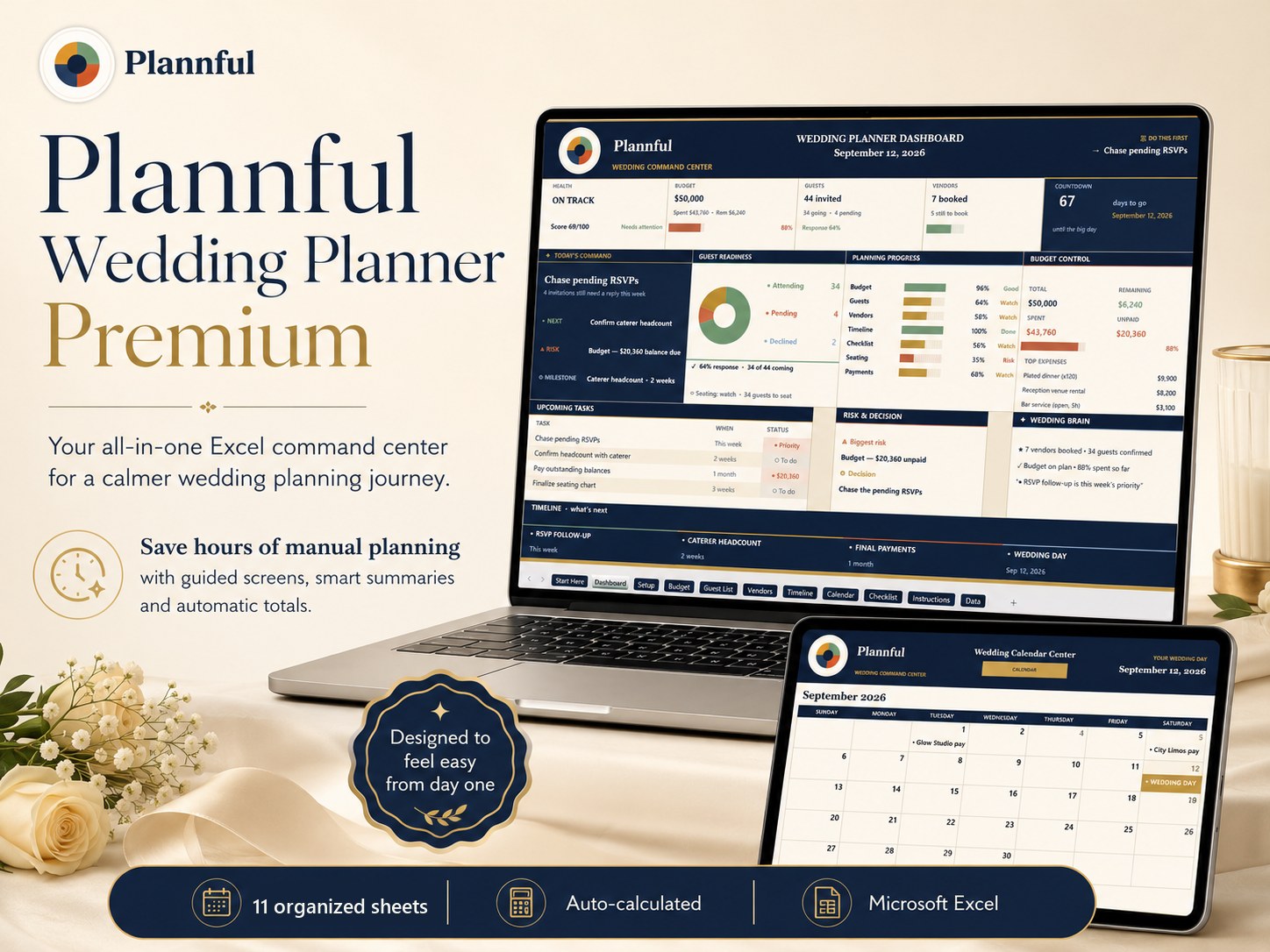
Every Plannful wedding template is built for Microsoft Excel, with real working formulas. You get the .xlsx file and open it in Excel on Windows or Mac.
Want to see the formulas in action first? Our free wedding budget calculator runs the same live math right in your browser.
Plan the whole wedding in one place
The Plannful Wedding Planner Premium for Microsoft Excel does the budget, guest list, timeline, calendar and checklist math for you — 10 organized working screens, real formulas, instant download.
See the Wedding Planner →Frequently asked questions
Is Excel or Google Sheets better for wedding planning?
Can I use the same wedding spreadsheet in both Excel and Google Sheets?
Do I need to pay for Excel to plan my wedding?
Planning your whole wedding?
Keep every part of your wedding — budget, guest list, vendors and timeline — organized in one Microsoft Excel workbook.
Plannful Wedding Planner for Microsoft Excel
- Budget Tracker
- Guest List
- Vendor Tracker
- Wedding Timeline
- Planning Calendar
- Checklist
Related guides & free tools
- Wedding Spreadsheet vs Planner Binder (2026)Wedding spreadsheet vs planner binder in 2026 — which keeps your budget, guest list and ti
- $30,000 Wedding Budget Breakdown (2026)A realistic $30,000 wedding budget breakdown for 2026 — category amounts for ~120 guests,
- $40,000 Wedding Budget Breakdown (2026)A realistic $40,000 wedding budget breakdown for 2026 — category amounts for ~150 guests,
- The Best Free Wedding Budget Spreadsheet (2026)How to choose the best free wedding budget spreadsheet in 2026 — the features that actuall
- How to Make a Wedding Budget (2026)How to make a wedding budget in 2026, step by step — set your number, split it by category
- Wedding Guest List Template (2026)What a great wedding guest list template tracks in 2026 — RSVPs, meal choices, plus-ones,
- Free Wedding Budget CalculatorFree tool · no signup
- Wedding Cost Estimator by Guest CountFree tool · no signup
Free cheat sheet
Get the 1-page wedding budget cheat sheet
Join the Plannful list for a simple breakdown of how to split your wedding budget by guest count — plus the occasional template discount. No spam, unsubscribe anytime.