Rentals & Real Estate
Landlord Toolkit
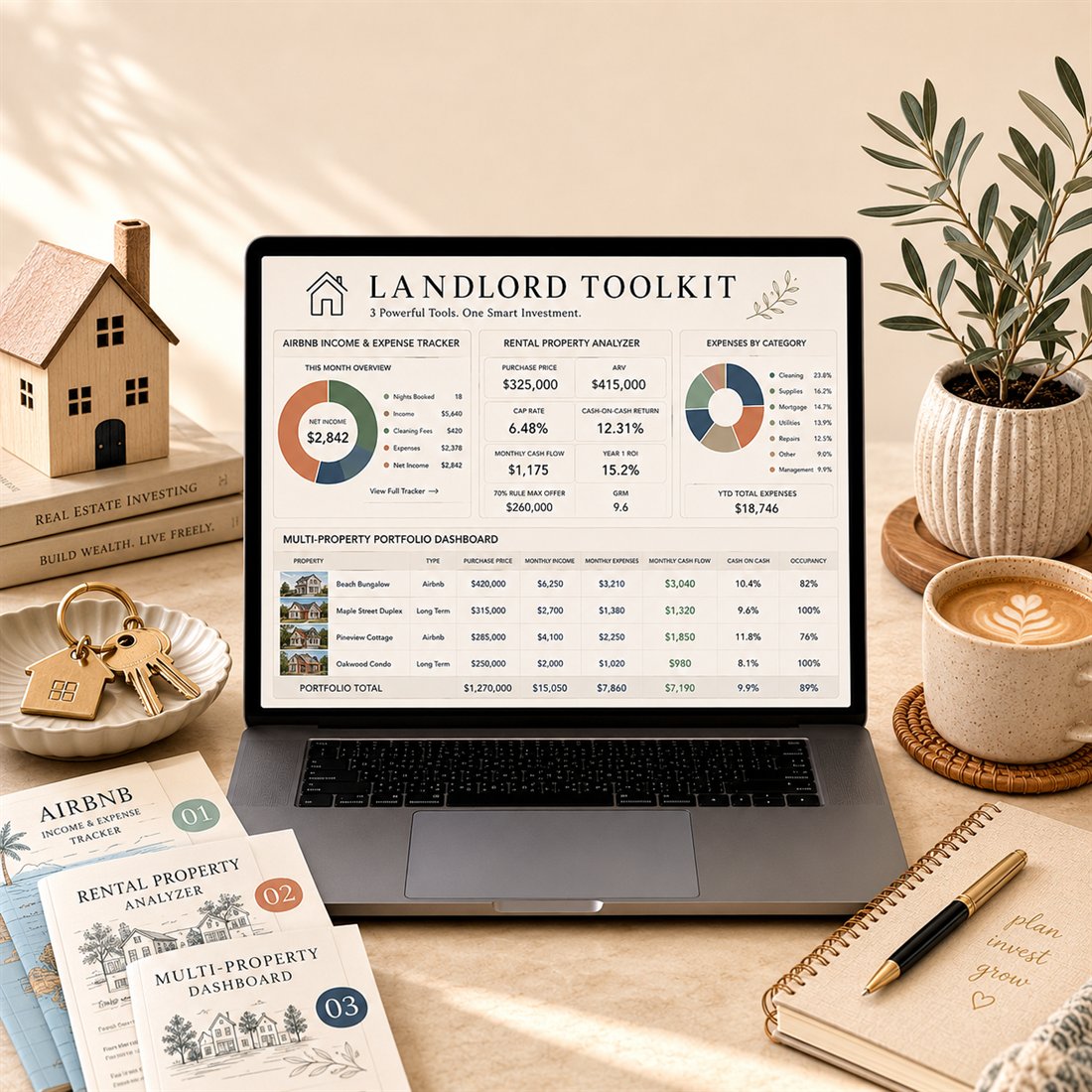
Three investor tools in one: Airbnb tracker, rental analyzer and multi-property dashboard.
Coming soon
View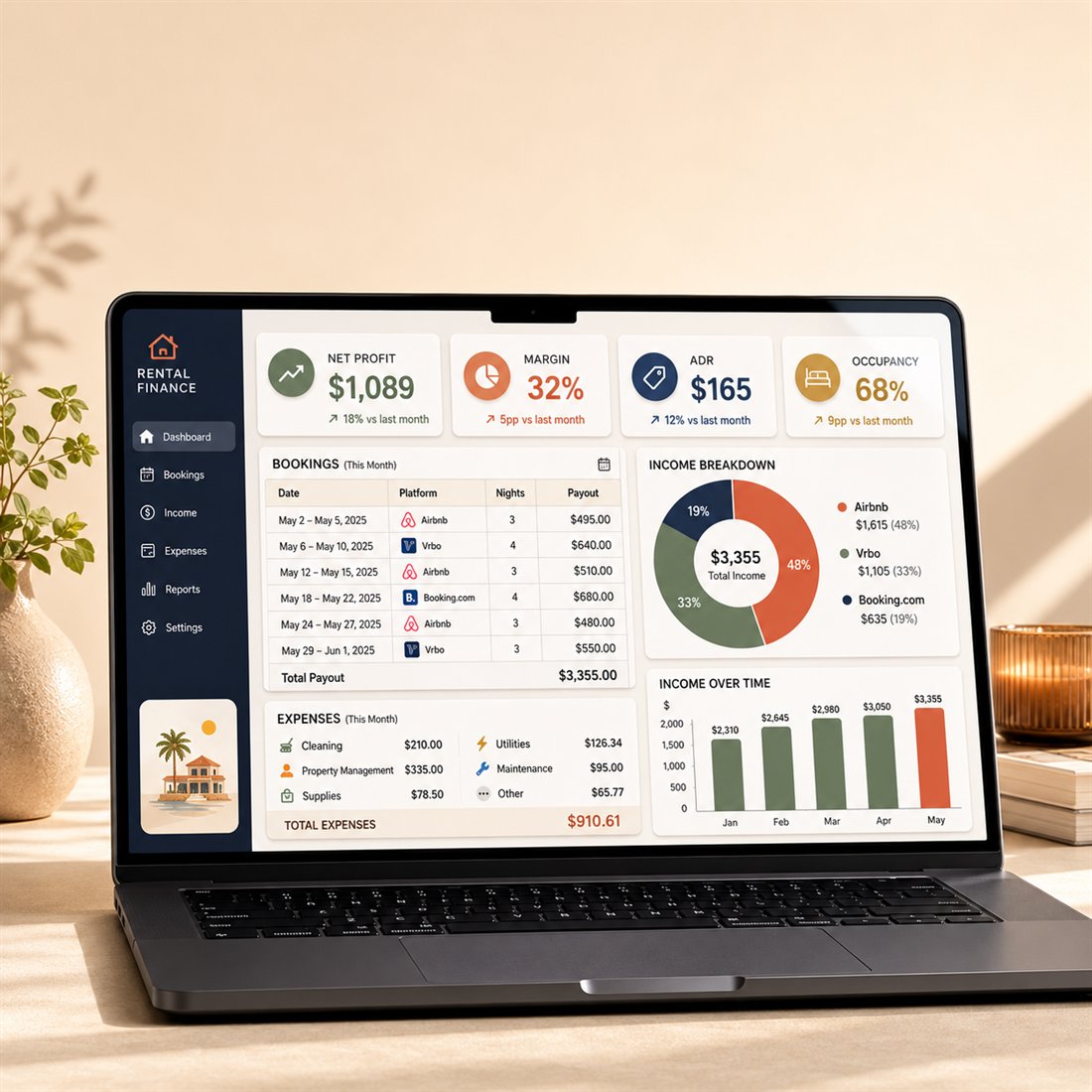
Exactly what you'll open — real screenshots in Microsoft Excel.
Know if your short-term rental actually makes money: real profit per property, margin, ADR, occupancy and RevPAR — from your income, expenses and bookings.
This template is not available yet. The Wedding Planner Premium for Microsoft Excel is available now.
See the Wedding PlannerFor personal use only. This is a digital spreadsheet template — no physical product is shipped. Charts may render slightly differently in Apple Numbers.
A product video is on the way — this is a preview clip.
Most $5–9 Airbnb spreadsheets just log numbers. STR Command Center turns them into the answers that decide your money.
| Basic template | STR Command Center | |
|---|---|---|
| Real profit | Revenue minus a few costs | True net profit per property, after every expense |
| KPIs that matter | Maybe an income total | ADR, occupancy, RevPAR and margin, calculated for you |
| Per-property view | One mixed sheet | Compare every listing side by side |
| Tax time | Not included | Tax summary that totals deductible costs by category |
| Forward view | Static totals | Calendar, pricing and projections update as you type |
| Setup | Blank cells to figure out | Example data filled in + step-by-step instructions inside |
It is still a spreadsheet, not software — but it does the thinking a basic template leaves to you.
| Format | Microsoft Excel (.xlsx) |
|---|---|
| Delivery | Instant digital download |
| Tabs / sections | 10 working screens |
| Example data | Included — type right over it |
| Instructions | Step-by-step, inside the file |
| License | Personal-use license |
Rentals & Real Estate
Three investor tools in one: Airbnb tracker, rental analyzer and multi-property dashboard.
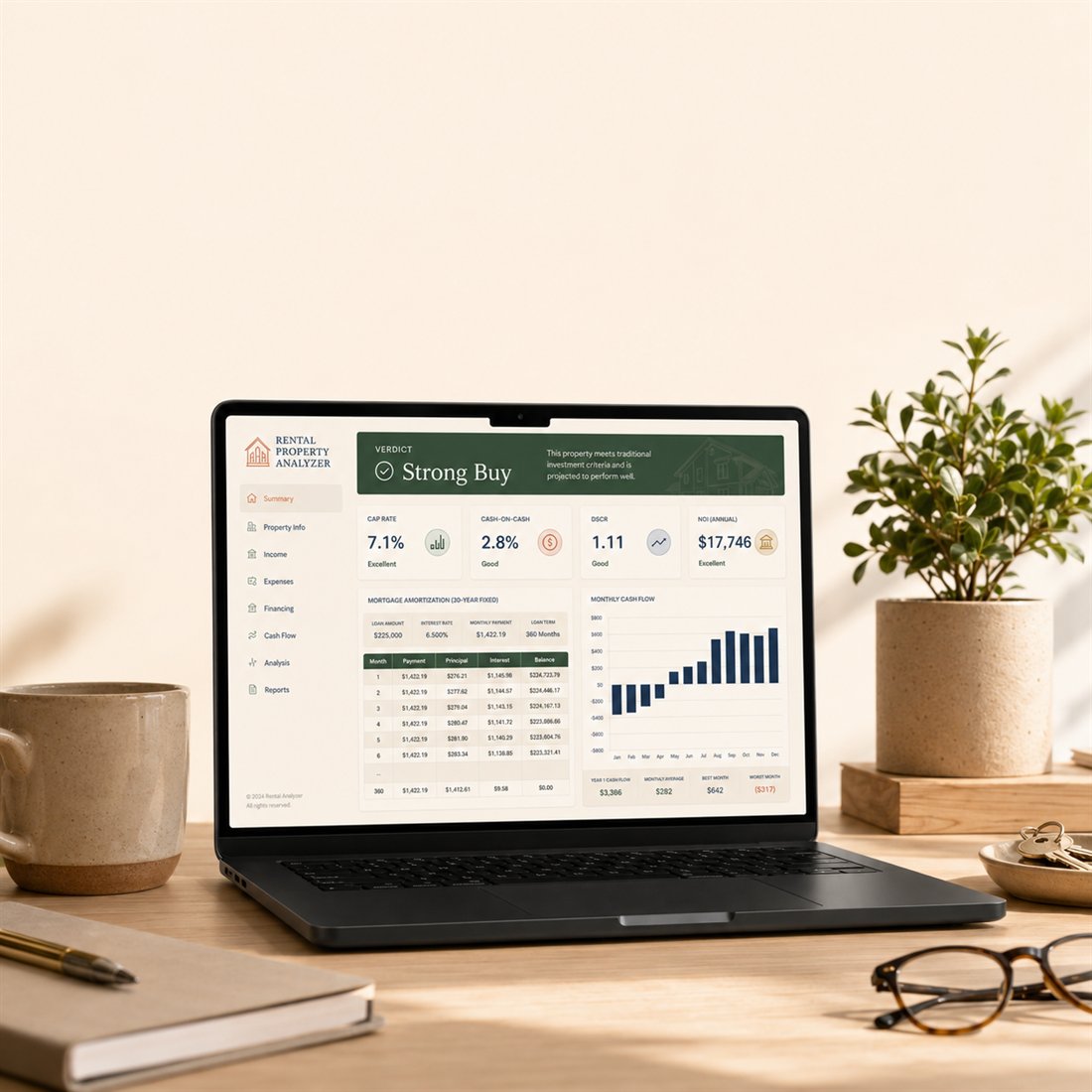
Analyze any deal: cap rate, cash-on-cash, cash flow and ROI — before you buy.
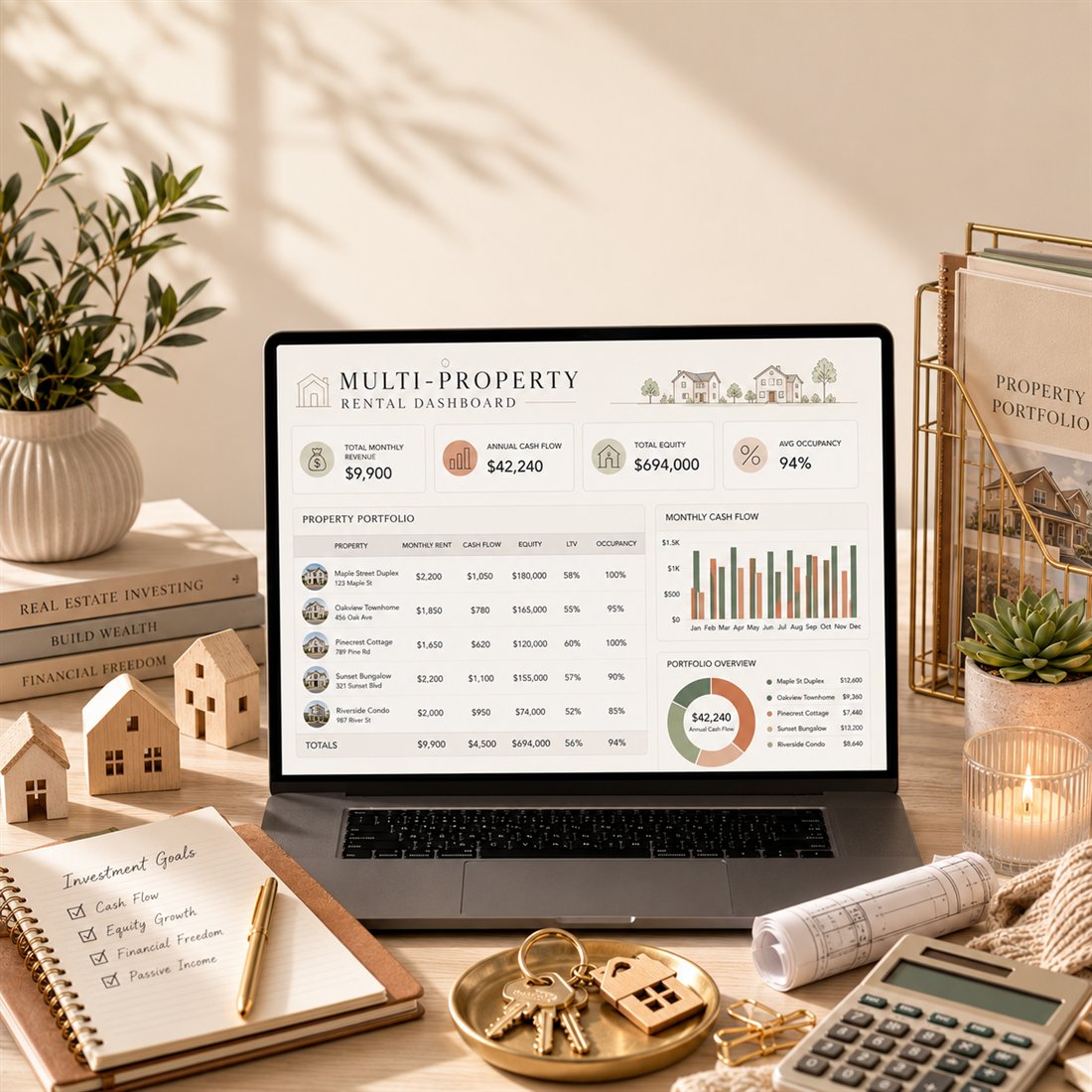
See your whole portfolio's cash flow and performance in one place.

Run the numbers on flips and BRRRR deals: ARV, the 70% rule, profit, ROI and refinance.